
Download and install resource packs
Download
For anonymity and cost reasons, we use PixelDrain to host the resource packs. Download them here. PixelDrain limits each user to 6 GB of downloads per day. You can split the download over two days, or use a tool such as pixeldrain bypass.
Installation
After downloading, you should have the following files:
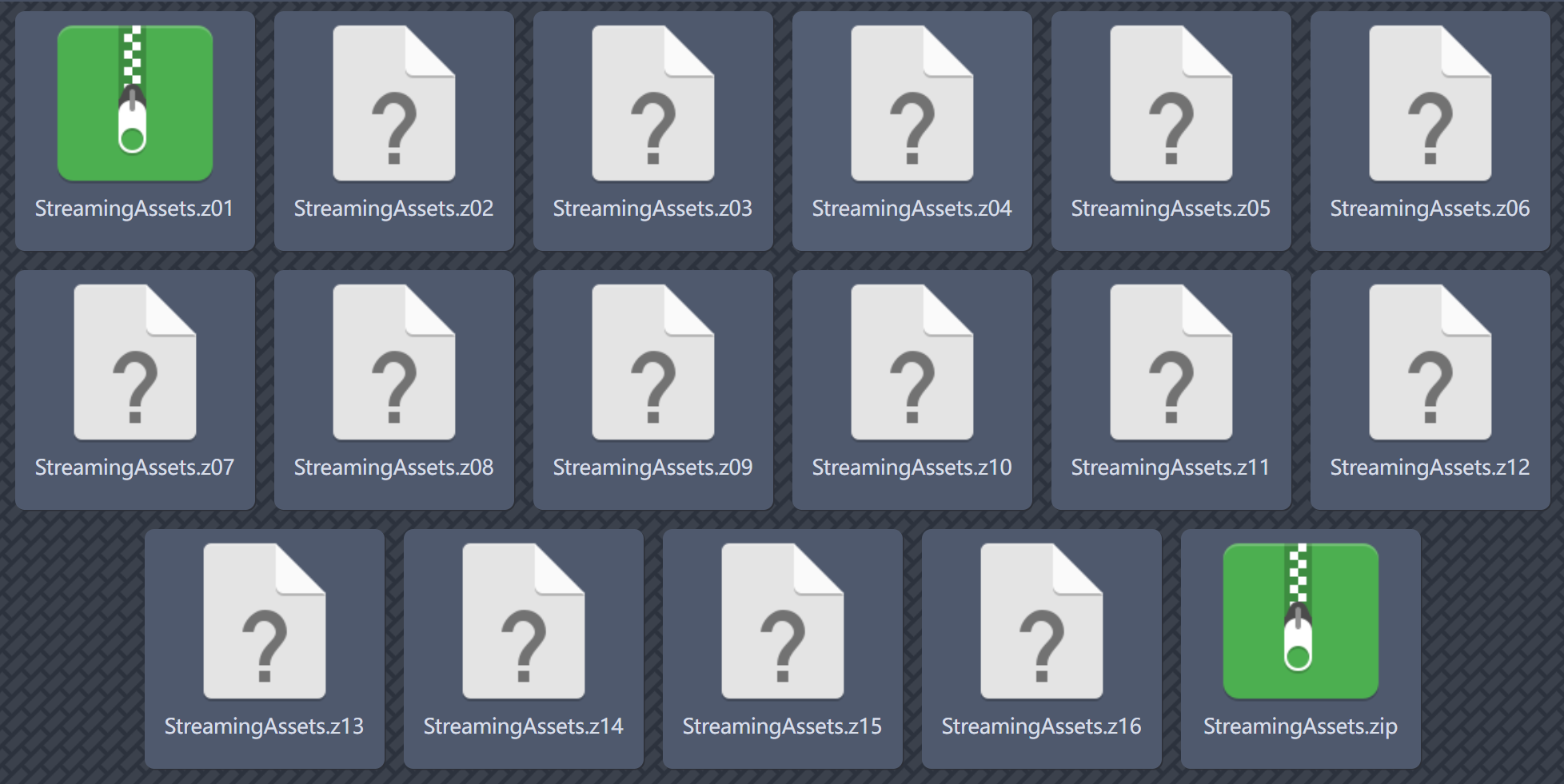
Extract these files with an archive app such as ZArchiver, then continue below.
INFO
After extraction, you should have a folder named StreamingAssets containing a folder named A000.
Method 1: copy the files manually
On Android, use the extracted StreamingAssets folder to replace the folder at this location in your phone's storage:
/storage/emulated/0/Android/data/com.chiro.luomi/files/StreamingAssets/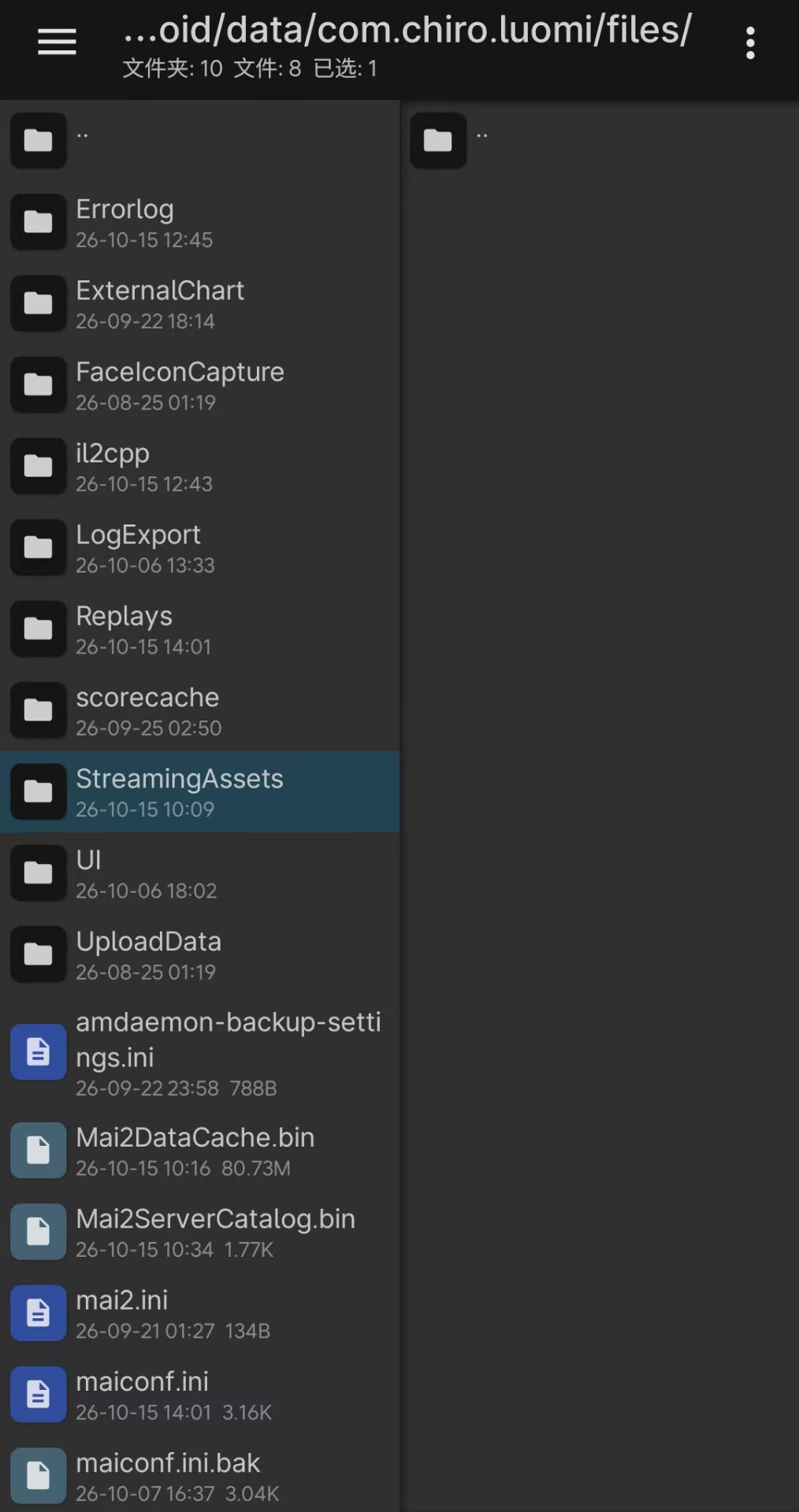
On iOS, use the extracted StreamingAssets folder to replace the folder at:
Files app → On My iPhone / On My iPad → LUOMI → Documents → StreamingAssets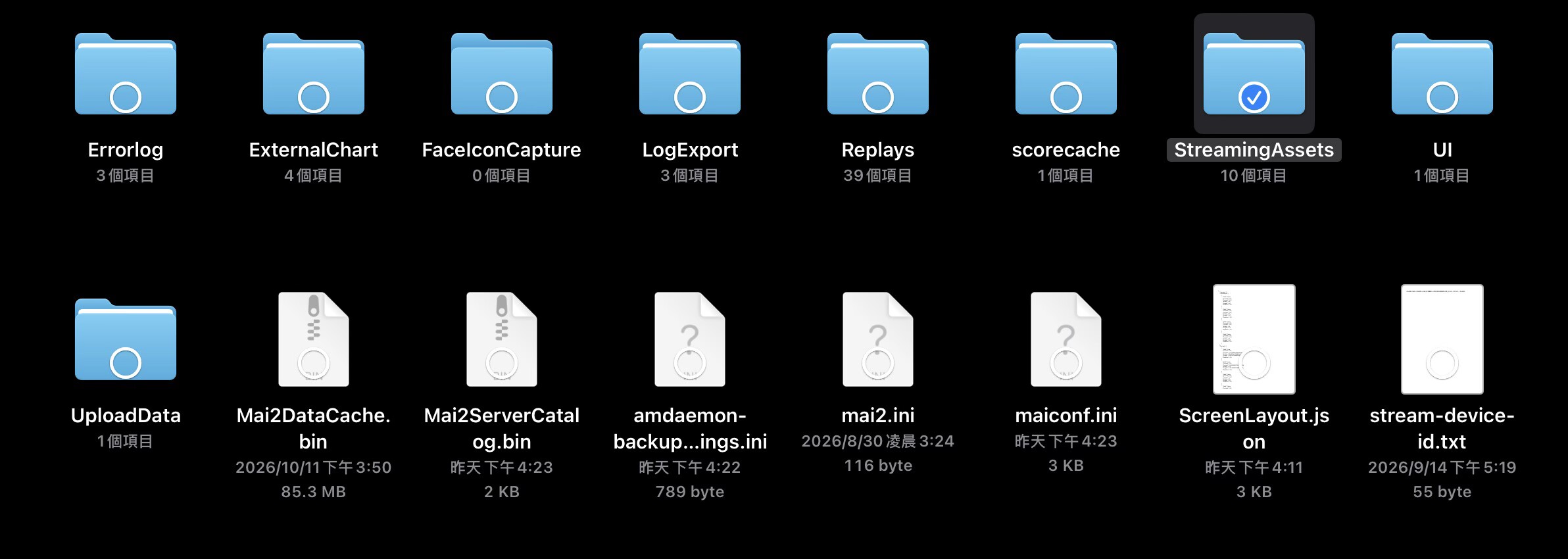
If you use LiveContainer, long-press the app icon and select Open Data Directory, then replace the folder at Documents → StreamingAssets inside that directory.

Method 2: use the LuoMi installer
After extracting all the files, pack them again into one ZIP file. Launch LuoMi to open its resource-management page, tap Install ZIP at the top, and select the ZIP you just created. The installer will extract it to the correct location automatically.
The app may appear unresponsive for a while after you select the file. Please wait; installation can take several minutes depending on your device's performance.
INFO
Although this takes a few extra steps, it is a useful option if you cannot access the required folders in your phone's storage.